

Enable ChatGPT API Access in Skyhigh CASB
To enable API access for a ChatGPT instance:
- In Skyhigh CASB, go to Settings > Service Management.
- Select the newly created ChatGPT instance from the list of Services.
- Go to the Setup tab, and then click Enable.

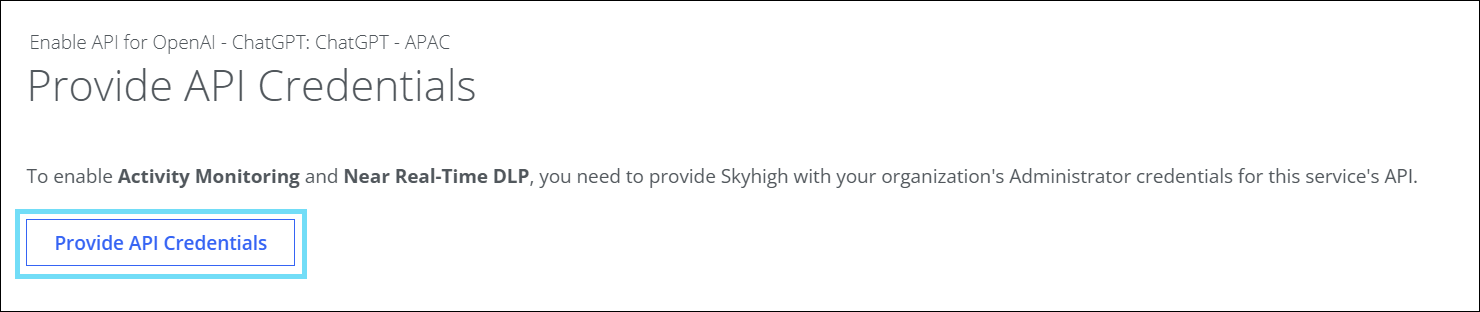
- On the Provide API Credentials page, click Provide API Credentials.
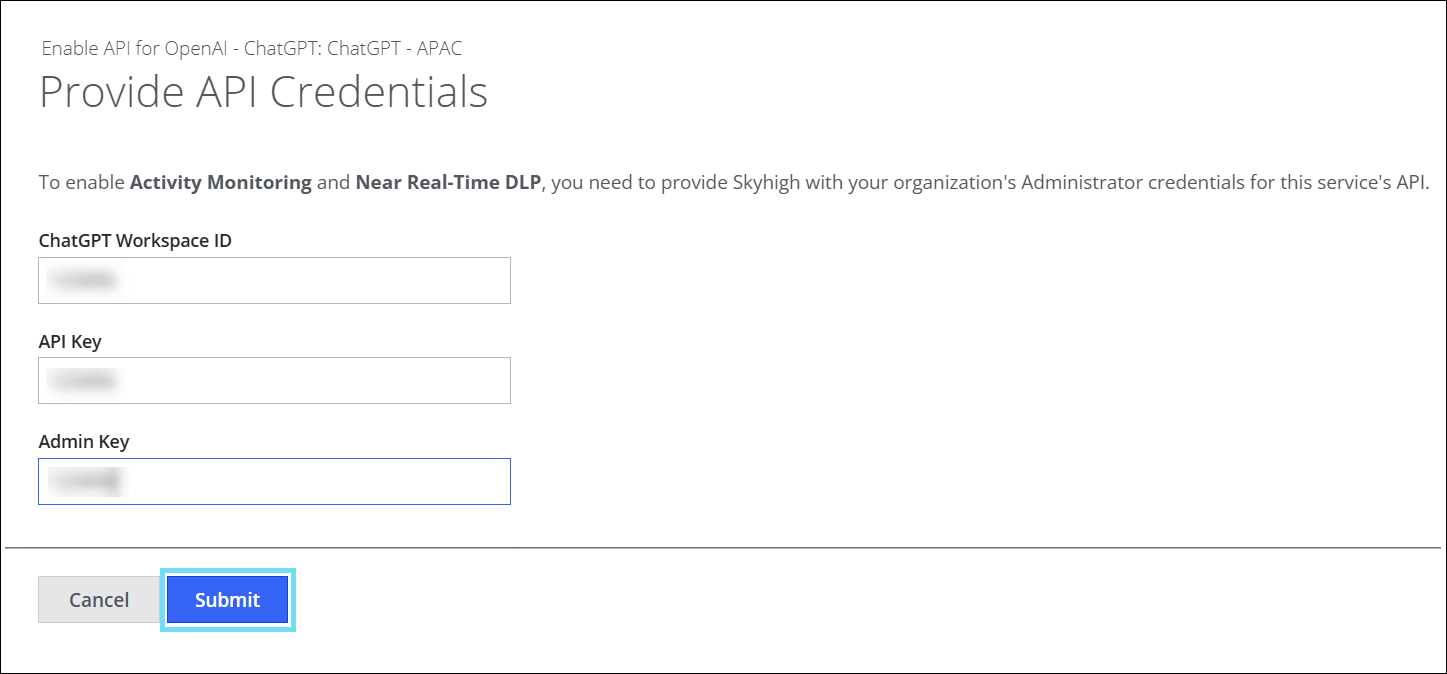
- On the Provide API Credentials page, enter the required information into the fields, and then click Submit:
- ChatGPT Workspace ID. Enter ChatGPT Workspace ID.
- API Key. Enter ChatGPT API Key.
- Admin Key. Enter ChatGPT Admin Key.
API access is now enabled for your ChatGPT instance in Skyhigh CASB.
NOTE: On the Skyhigh CASB dashboard, go to Incidents > User Activity > Activities to view the ChatGPT monitored activities.