

Service Group Approval Workflows
When you add or remove a service, users with the Compliance Manager role are notified by email. The change shows as pending until a compliance manager approves or denies it.
To activate the approval workflow:
- Go to Governance > Service Groups.
- Select the service group.
- In the Service Group Details box, click Edit.
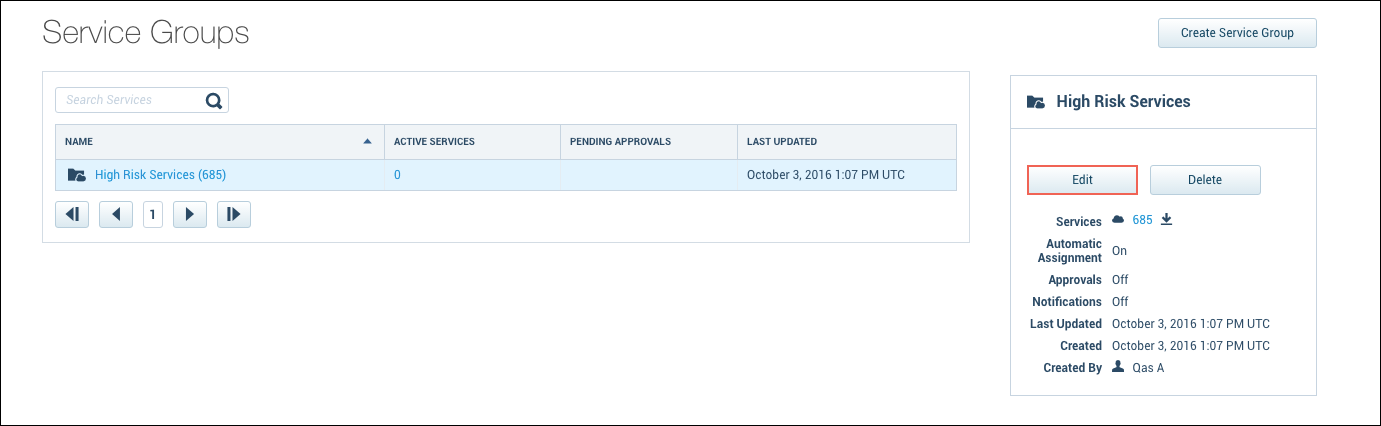
- Select the Approval Workflow tab.
- Turn on the Approvals toggle.
- A compliance manager must approve all service additions or removals.
