Enable or Disable Security Configuration Audit for SaaS
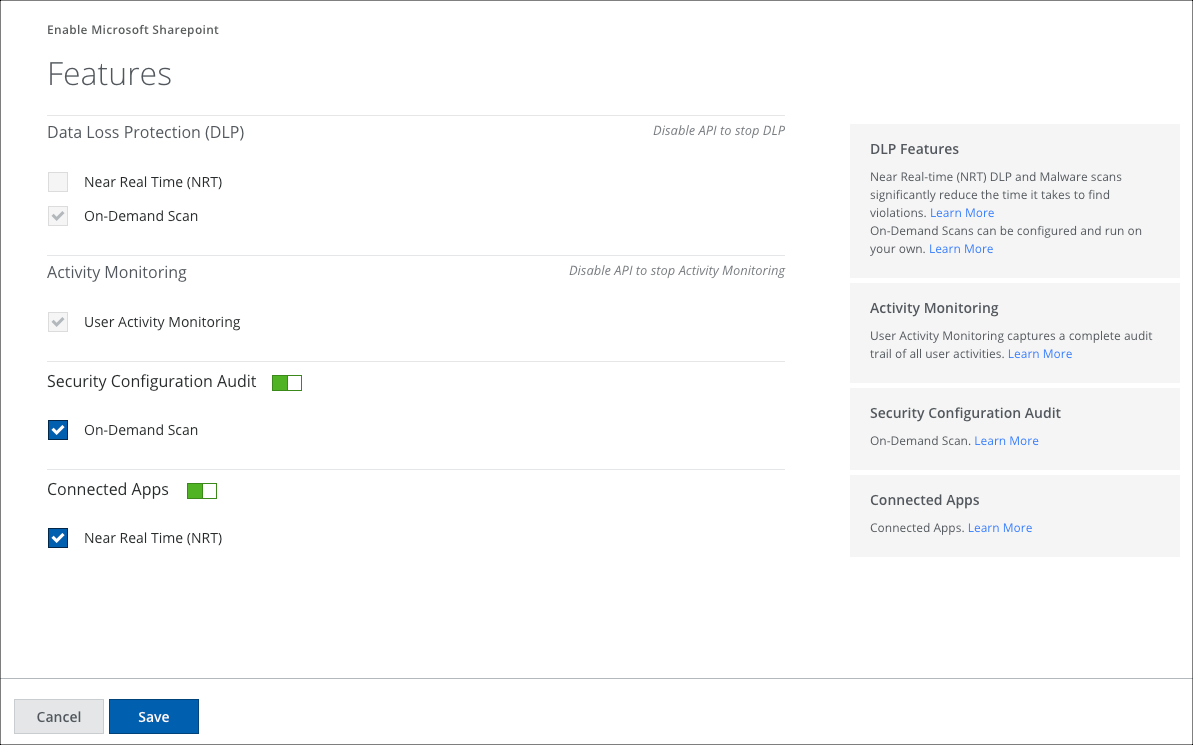
Security Configuration Audit is enabled by default in Settings > Service Management when you create your Microsoft 365 service instance and select the features.
NOTE: The Config Audit scan frequency is set to Weekly by default. You can change the frequency as needed.
Disable Security Configuration Audit
Security Configuration Audit for SaaS is enabled by default when you create a new Microsoft 365 instance. You can disable Security Configuration Audit if you do not want to use the feature.
- Go to Settings > Service Management.
- Select your Microsoft 365 instance.
- On the Setup tab, click Edit corresponding to the API setup.
- Toggle Security Configuration Audit to Disabled.
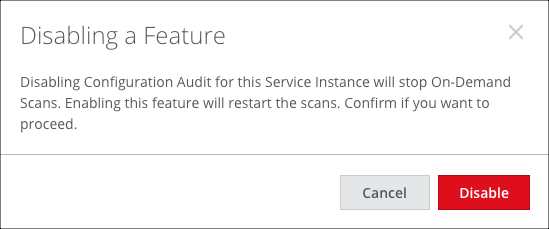
- In the Disabling a Feature confirmation dialog, click Disable.