

Edit User Permissions
| Limited Availability: To access the Roles feature, contact Skyhigh Support. |
Editing a role's permissions on the Users tab will remove the assigned user from that role, leaving them with only their individual permissions.
To edit user permissions:
- Go to Settings > User Management > Users and Roles.
- Click the Users tab.
- Click Edit corresponding to the user.
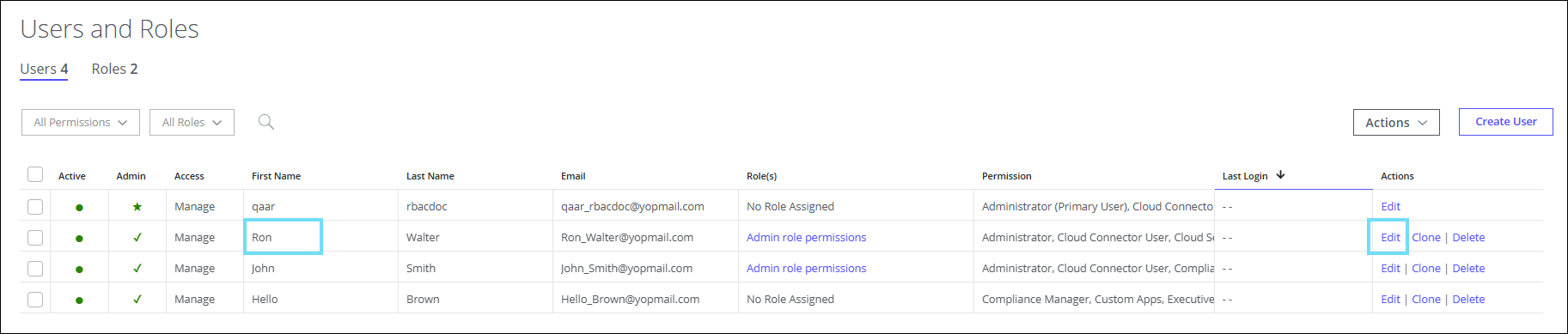
- Update the permissions of the users' role and click OK.
A message appears to indicate that the user has been delinked from the role.

The user is no longer associated with any role and retains only directly assigned permissions.
