

Integrate Skyhigh CASB with Google Drive via API
Prerequisites
Before integrating Skyhigh CASB with Google Drive, make sure the Google Drive API Prerequisites are met.
Integrate Skyhigh CASB with Google Drive via API
- Log in to Skyhigh CASB.
- Go to Settings > Service Management.
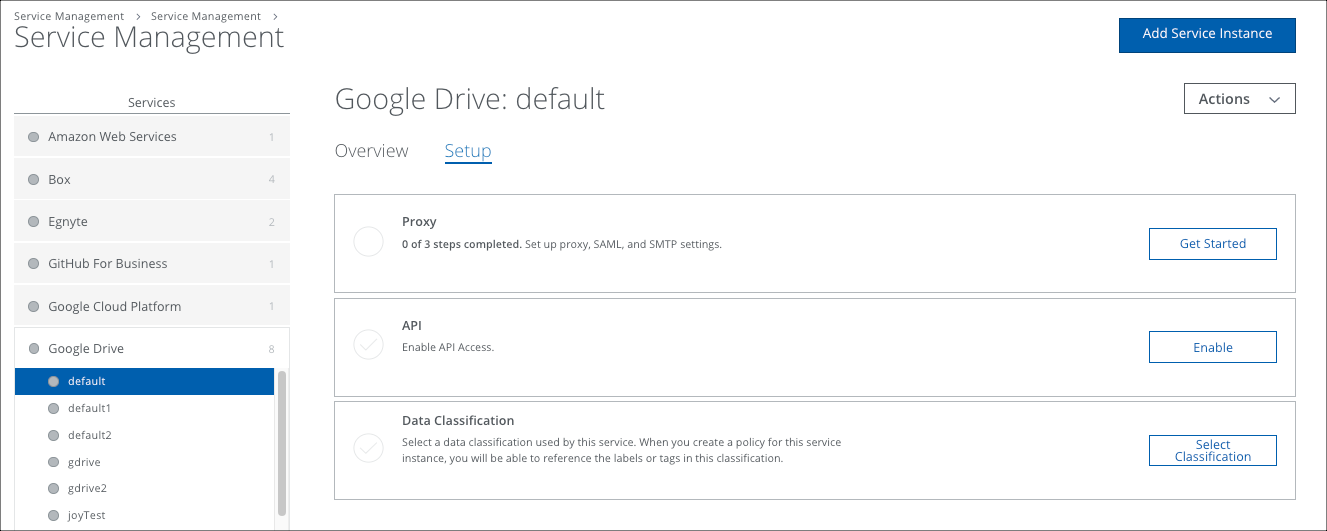
- In the Services list, find your instance of Google Drive.
- Select the Setup tab, and under API, click Enable.
(For Connected Apps, to enable the new OAuth Scope, click Disable API, then click Enable.)
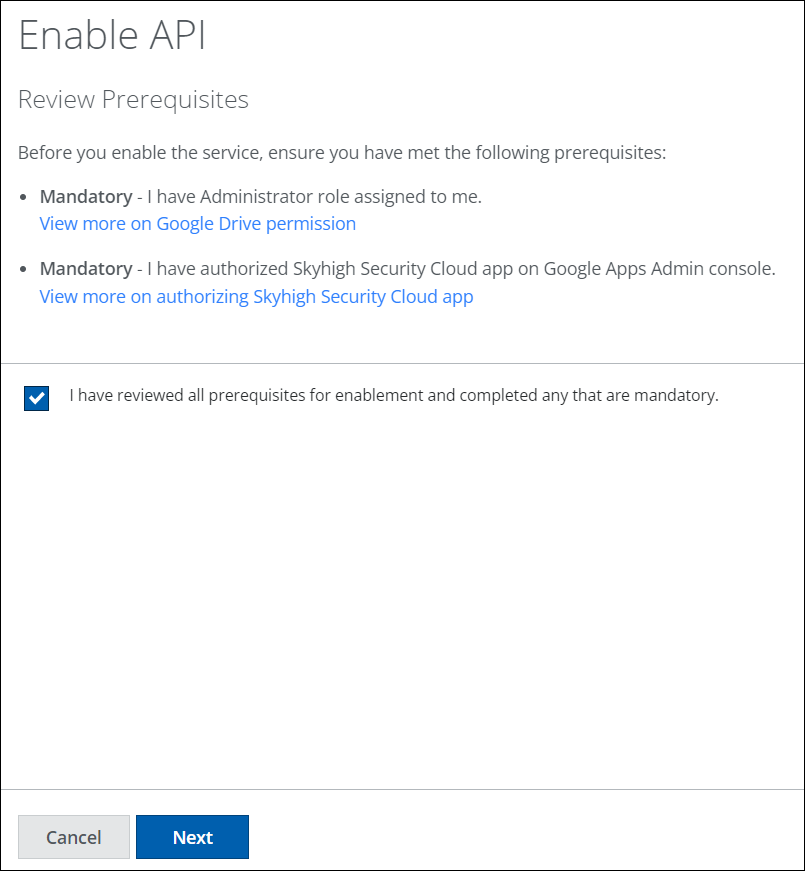
- Under Enable API, activate the checkbox I have reviewed all prerequisites for enablement and completed any that are mandatory, and click Next.
- Click Provide API Credentials and enter the Google Drive login credentials for your administrative account, and click Authorize.
Configure Google Drive with Reverse Proxy
For instructions, see Configure Google Drive with Reverse Proxy.