

Cloud Connector Config Registry
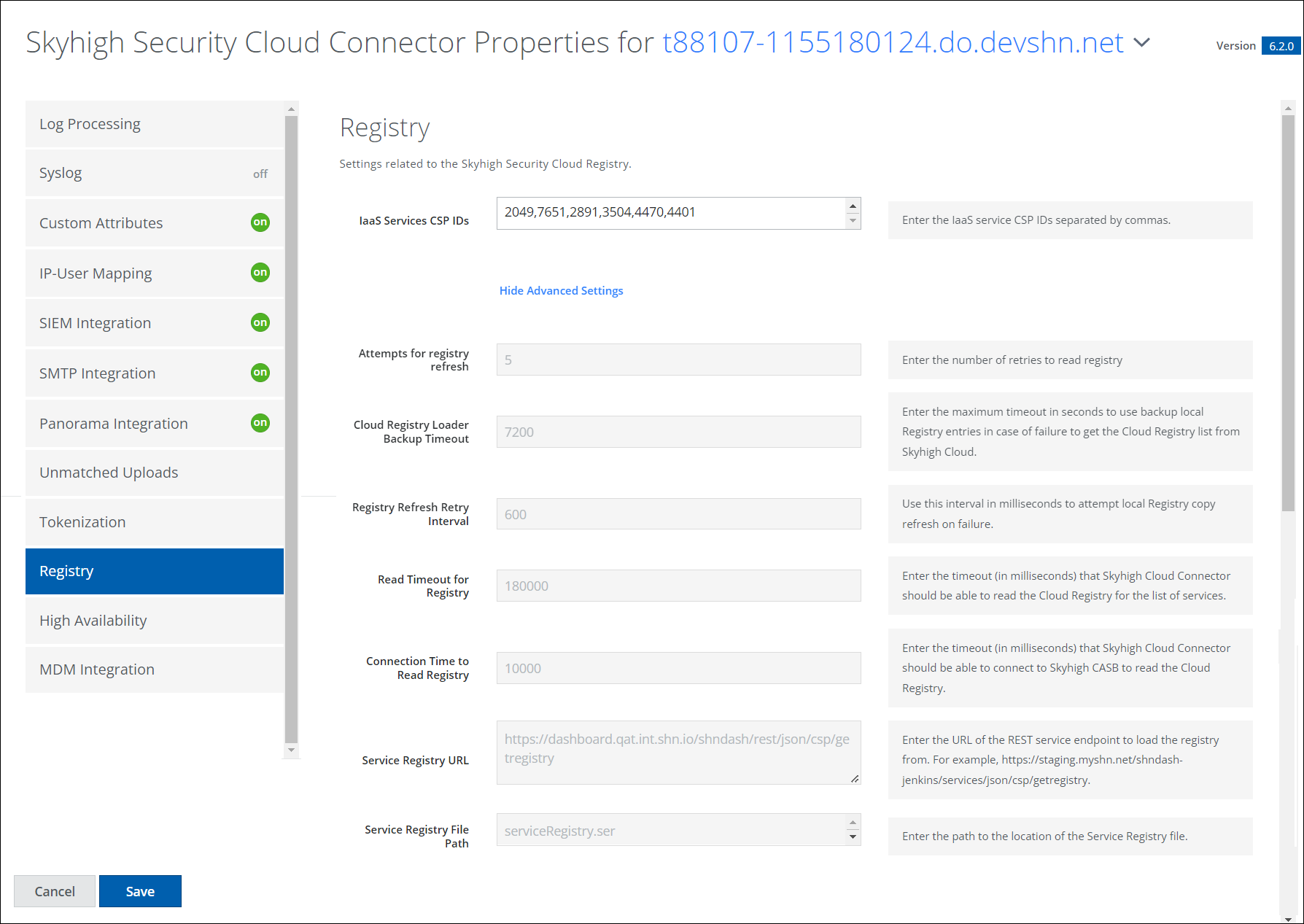
Settings related to the Skyhigh Security Cloud Connector Registry.
IMPORTANT: You must have the Skyhigh Cloud Connector user role to configure Cloud Connector. For details, see About User Roles and Access Levels.
| Field | Description |
|---|---|
| IaaS Services CSP IDs | Enter the IaaS service CSP IDs separated by commas. |
Advanced Settings
Click Show Advanced Settings to display.
| Field | Description |
|---|---|
| Attempts for registry refresh | Enter the number of retries to read the registry. |
| Cloud Registry Loader Backup Timeout | Enter the maximum timeout to use backup local Registry entries if there is failure to get the Cloud Registry list from Skyhigh CASB. |
| Registry Refresh Retry Interval | Use this interval in milliseconds to try local Registry copy refresh on failure. |
| Read Timeout for Registry | Enter the timeout (in milliseconds) that Cloud Connector can read the Cloud Registry for the list of services. |
| Connection Time to Read Registry | Enter the timeout (in milliseconds) that Cloud Connector can connect to Skyhigh CASB to read the Cloud Registry. |
| Service Registry URL | Enter the URL of the REST service endpoint to load the registry from. For example, https://staging.myshn.net/shndash-je...sp/getregistry. |
| Service Registry File Path | Enter the path to the location of the Service Registry file. |